How to use
Introduction
This guide uses マヌカ and しお. Thank you!
How to use
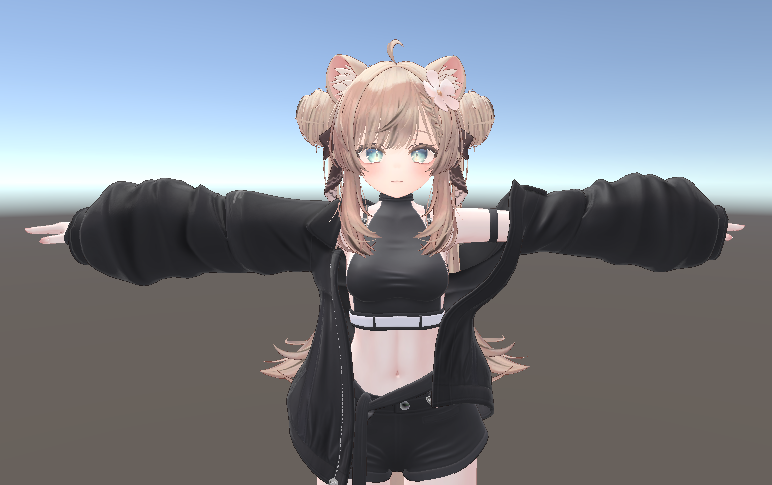
First, line up the head and the body.
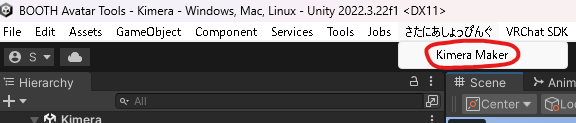
From the menu bar at the top of Unity, open さたにあしょっぴんぐ (SataniaShopping) → Kimera Maker.
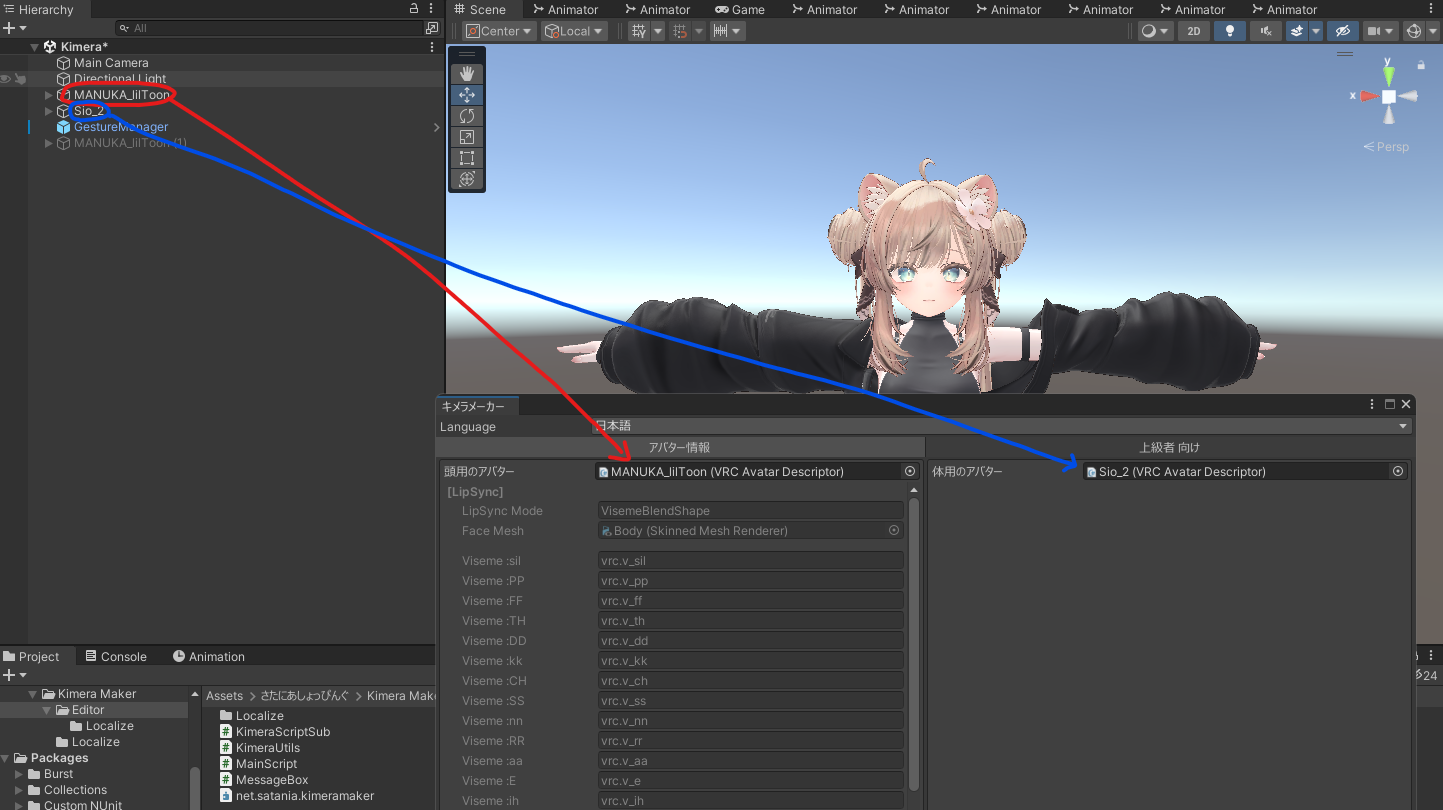
Put the avatars you just lined up into the window that pops up.
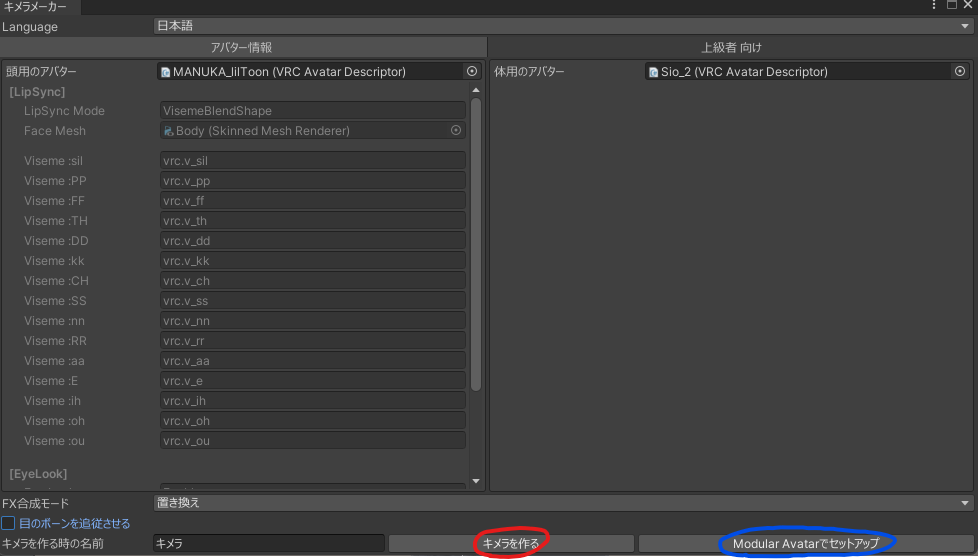
Once you're ready, hit the キメラを作る (Make Chimera) button. If you have Modular Avatar in your project, you can also set it up using Modular Avatar.
If you set it up with Modular Avatar, the FX, Expression Menu, Expression Parameters, bones and so on get merged non-destructively.
※Heads up: even when you set it up with Modular Avatar, VRC Avatar Descriptor settings like the viewpoint won't be non-destructive.
You'll be asked whether to make a backup. Pick whichever you like.
It's mostly a destructive operation, so a backup is a good idea.

When the "done" popup shows up, it worked! Follow the instructions in the message and adjust the viewpoint position.

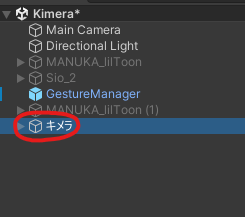
The chimera you made is now in the Hierarchy.
If the chimera's eyes turn all white
This is usually caused by the eye bones' axes not matching, so set the eye bones so they don't follow.
