How to use
Setup
Open Assets → さたにあしょっぴんぐ → さたにあ式防音室 → Prefab.
Drag さたにあ式防音室 into your scene.

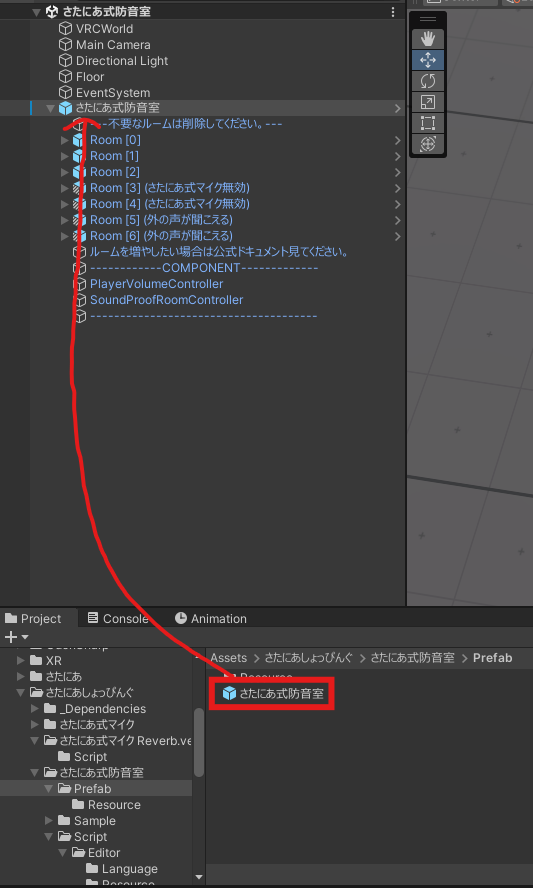
That's basically all there is to it. If you want to edit the rooms, keep scrolling.
Adding rooms
Open Assets → さたにあしょっぴんぐ → さたにあ式防音室 → Prefab → さたにあ式防音室 → Resource.

Pick the template that fits what you need and put it inside さたにあ式防音室.
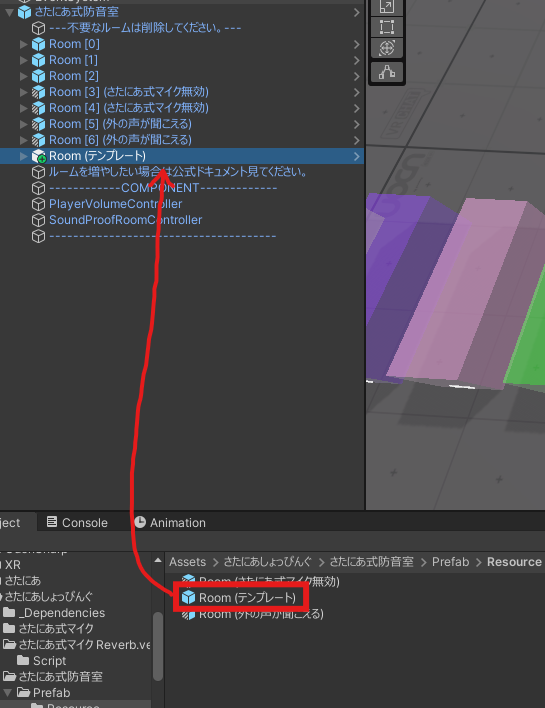
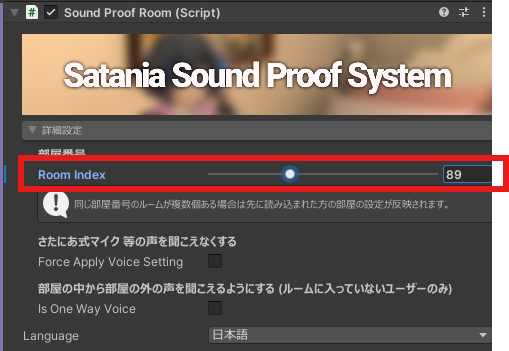
If you just drop a template in as-is, rooms with the same room number will be able to hear each other. Give it a different room number if you don't want that.
See Room Number for more on how room numbers work.
Removing rooms
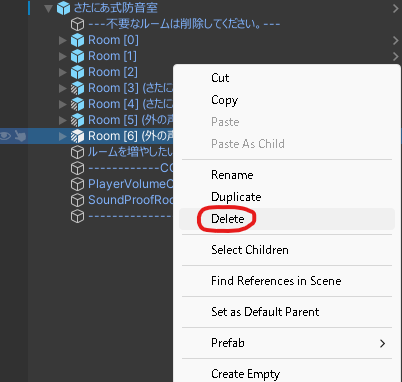
Just delete the template you added. That's it.